You can record interviews legally in the United States under federal one-party consent law (18 U.S.C. § 2511), but 13 states require every participant to agree before you press record. Done right, recorded interviews sharpen hiring decisions (structured interviews show .42 predictive validity vs .19 for unstructured per Sackett et al., 2022), free interviewers from typing notes, and create a defensible record if a hiring decision is later disputed.
Done wrong, the same workflow exposes your team to felony wiretap penalties, EEOC disparate impact claims when AI scores applicant speech, and GDPR fines for retaining files past 12 months. This guide walks through the legal rules state by state, the 11 interview recording tools recruiters actually use, how to ask for consent, and the cases where the recorder should stay off.
Is It Legal to Record a Job Interview?
Yes, you can record an interview legally, and in most of the country you only need one person’s permission. Federal law (18 U.S.C. § 2511) follows a one-party consent rule: as long as one participant agrees, the recording is lawful. Where a state statute is stricter, it overrides the federal default, and 13 states require every participant to consent before you press record.
Penalties here are not theoretical.
Violations carry up to 5 years federal imprisonment and $250,000 in fines per offense, with several states adding their own felony tiers on top.
The 13 all-party consent states are California, Connecticut, Delaware, Florida, Illinois, Maryland, Massachusetts, Montana, Nevada, New Hampshire, Oregon, Pennsylvania, and Washington, per RecordingLaw.com (2026). Pennsylvania allows up to 7 years imprisonment, and Massachusetts treats every recording violation as a felony with no misdemeanor option. A few of those rules split by channel. Connecticut and Nevada apply all-party consent to phone calls, while in-person conversations in Nevada follow the one-party rule; Nevada’s felony penalty runs 1 to 4 years and a $5,000 fine (Chandra Law, 2024).
Illinois deserves a footnote. Its original eavesdropping statute was struck down in People v. Melongo (March 2014), and the legislature replaced it with a narrower “private conversation” rule that still functions as all-party consent for job interviews (Ogletree Deakins). Most third-party guides get this wrong. Treat Illinois as all-party.
Remote-first hiring teams get caught by the cross-state problem, because the strictest law in the chain wins. When the interviewer sits in a one-party state while the applicant dials in from California, California’s all-party rule governs. A New York recruiter screening a Seattle engineer needs both Washington’s and New York’s consent rules satisfied. Ask for opt-in either way.
Can You Record an Interview Without Permission?
Recording an interview without permission is lawful in most states and under federal law. In practice, never do it. One-party consent means your own agreement satisfies the statute, so an undisclosed recording is technically legal across the majority of jurisdictions. Three things make it a bad trade anyway.
People talk. A secret recording that surfaces later reads as a trust failure, and word travels on Glassdoor and Reddit faster than any employer-brand campaign can answer it.
Interstate exposure also converts “lawful” into “felony” without warning. You rarely know where a remote applicant is physically sitting when they join the call. If they dial in from a friend’s apartment in Seattle, Washington’s all-party rule applies and your one-party assumption just became a crime.
Consent is cheap. One sentence at the top of the call costs nothing and removes the entire risk category.
Can Candidates Record a Job Interview?
Candidates face the same statutes as employers, so whether an applicant can legally record a job interview depends on where each person sits. In a one-party state, a candidate who records their own conversation is usually within the law, even without telling the interviewer. In the 13 all-party states, that same recording is a crime.
Legal does not mean welcome. Many employers treat a hidden recording as grounds to end the process, and some application terms prohibit it outright.
Candidates asking “can I record an interview?” should simply request it at the start, the way recruiters do. Most interviewers say yes, and the answer itself tells you something about how the team operates.
For European candidates, the GDPR layer adds three obligations the US framework does not. First, your lawful basis is either Article 6(1)(f) legitimate interest or Article 6(1)(a) explicit consent (consent is safer for candidate recordings). Second, the UK ICO recommends keeping unsuccessful-candidate data for 6 to 12 months at most, with longer retention requiring fresh consent. Third, the EU AI Act now bans emotion recognition AI in employment contexts, so any interview tool that scores facial expressions or voice tone for hiring decisions is unlawful in the EU.
The EEOC adds a US-specific layer for AI scoring. Plain recording paired with human review is legally neutral. The risk shows up when algorithms grade speech patterns or facial expressions; those can trigger Title VII disparate impact claims if outcomes differ across protected groups (EEOC AI guidance, 2024). Employers remain liable when third-party vendors produce the discriminatory output. Monitor selection rates across demographic groups whenever automated scoring touches a recording.
Under the four-fifths rule, a protected group selected at under 80% of the top group’s rate means the AI scoring needs an audit before the next round.
One last category: non-binding 2025 NLRB Division of Advice guidance found overly broad workplace recording bans likely unlawful because they can chill Section 7 activity (Reed Smith, July 2025). External applicants fall outside that rule, but internal-mobility interviews sit in NLRA territory.
Key Takeaways
- Federal law is one-party consent. Most US states follow the federal default, but 13 states require all-party consent. Failing to comply carries felony penalties and up to 5 years federal imprisonment.
- Recording supports structured interviews. Sackett et al. (2022) show structured interviews have .42 predictive validity vs .19 for unstructured. Recording is what makes calibrated, structured scoring possible at scale.
- The interstate trap is real. When the interviewer and candidate sit in different consent-law states, apply the strictest rule. A NYC recruiter screening a California candidate must follow California’s all-party law.
- AI-scored recordings carry EEOC liability. Plain recording plus human review is safe. Algorithms that score candidate speech or facial expressions can trigger Title VII disparate impact claims, and emotion recognition AI is banned outright in the EU.
- Tools range from $0 to $75/user/month. Pin is the best interview recording tool for recruiters: its AI Notetaker records, summarizes, and files notes on the candidate profile, free on every plan. Zoom and Microsoft Teams record natively, and BarRaiser and Otter.ai add AI notes or transcription.
Why Should You Record Interviews?
Decision quality is the strongest argument for recording interviews. Harvard Business Review (June 2024) reported a correlation of 0.43 between structured interviews and job performance versus 0.24 for unstructured, and labeled unstructured interviews “essentially worthless” for predicting performance. Recording is the mechanism that makes structured scoring real. Without playback, scorecards drift toward whoever spoke last or whoever the panelist remembered most clearly.
Six benefits show up consistently when teams switch to recording:
- Interviewers focus on the candidate, not the keyboard. When notes get captured automatically, eye contact returns and follow-up questions improve. A short companion guide on structured interview notes covers the format that pairs best with a recording-first workflow.
- Panel calibration becomes possible. Three interviewers scoring the same response off memory will reach three different scores. Three interviewers scoring against the same recorded answer reach near-consensus. This matters most for running a panel interview where each panelist evaluates a different competency.
- New interviewers train on real footage. Onboarding a new hiring manager goes from a 4-week shadow process to a 1-week review of recorded loops with annotated feedback.
- Disputes have evidence. When a rejected candidate alleges discrimination, a recording (with their written consent) is the cleanest defense. EEOC complaints settle faster when the employer can produce the actual interview.
- AI summarization compresses review time. A 45-minute interview becomes a 90-second structured summary that feeds the scorecard templates the hiring manager actually reads before debrief.
- Consistency across roles compounds. Every recorded interview becomes a calibration data point for the next role at the same level. Hiring bars stop drifting.
Here’s what stood out to us. Talking to recruiting teams that adopted interview recording over the past 18 months, the pattern is not “we caught a bad interviewer red-handed.” It is more mundane: the recording becomes the hand-off artifact in a workflow that was always implicit but never documented.
Sourcing produces a candidate. Outreach gets them to a screen. Scheduling locks the loop. The interview happens, and then the recording (plus a structured AI summary) feeds the scorecard that drives the hire/no-hire call. Pin’s 2026 user survey found users cut overall recruiting spend by 90% after switching to a connected workflow like this. The savings come from interviewer hours back, fewer “wait, what did they say about X?” follow-up calls, and faster debriefs because everyone read the same artifact.
When Should You Leave the Recorder Off?
Default-on recording is the wrong instinct. Three situations call for you to deliberately not record interviews.
The first is sensitive screening conversations before written consent is in hand. If a candidate is in your office or on a phone screen and consent has not been obtained in writing, do not record. A retroactive opt-in does not cure a wiretap violation in any of the 13 all-party states.
The second is any moment where protected characteristics get discussed: medical accommodation requests, religious observance scheduling, pregnancy disclosures, or disability conversations. Those belong in HR with notes, not on tape. A recording that captures a protected disclosure becomes discoverable evidence in a future ADA or Title VII claim. The mere existence of the file can become a problem if the hire decision goes the other way.
The third is when a candidate explicitly opts out. Never make consent to recording a hiring requirement. Pressuring a candidate creates a chilling effect that hurts your employer brand and, in the EU, can invalidate consent under GDPR Article 7 (which requires consent be “freely given”). The interview proceeds without the recording, and the interviewer takes notes the old way.
How Do You Ask a Candidate for Recording Consent?
Get consent twice. Once in writing before the interview, and once verbally on the call.
Written consent goes in the calendar invite or scheduling confirmation. Verbal consent, which you collect in the first 30 seconds so that it lands on the file itself, becomes your audit trail.
Tell the applicant three things: what you are recording, why, and how long you will keep the file.
Use a script template close to this:
“Before we get started, I want to mention that we record interviews so the hiring panel can review what was said and so I can stay focused on our conversation rather than typing. The recording is shared only with the hiring team for this role and is deleted within [6/12] months unless you join the team. Are you OK if I start the recording?”
Three things to notice in that script. The “why” frames recording as a benefit to the candidate (you get an undistracted interviewer), not a surveillance tool. The retention window is concrete and matches the GDPR ICO recommendation of 6 to 12 months for unsuccessful candidates. And the “are you OK” question makes the opt-in active, not assumed.
If an applicant declines, do not push. Pressure invalidates consent under GDPR Article 7’s “freely given” standard (ICO, 2026). It also signals to everyone on the call that opting out has a cost.
Acknowledge the no (“of course, no problem”), move on, and log it in your ATS so the next round’s interviewers know not to record. Train every interviewer to handle a decline the same way, since inconsistency is what drives complaints.
What Are the Best Interview Recording Tools?
The market that lets you record interviews splits into four buckets. Recruiting platforms with a built-in notetaker (Pin) record the interview and file the notes on the same candidate record that sourcing and outreach created. Native platform recording (Zoom, Microsoft Teams) ships with plans you already pay for. Dedicated interview intelligence (BarRaiser, Pillar, BrightHire) adds structured AI notes and ATS integration. Async or transcription utilities (Otter.ai, Rev, Riverside, Loom, Noota) handle one slice of the workflow. Two former standalone leaders, Pillar and BrightHire, were acquired in 2025 (Pillar by Employ in March, BrightHire by Zoom in November) and now ship inside their parents’ suites.
1. Pin - Best interview recording tool for recruiters
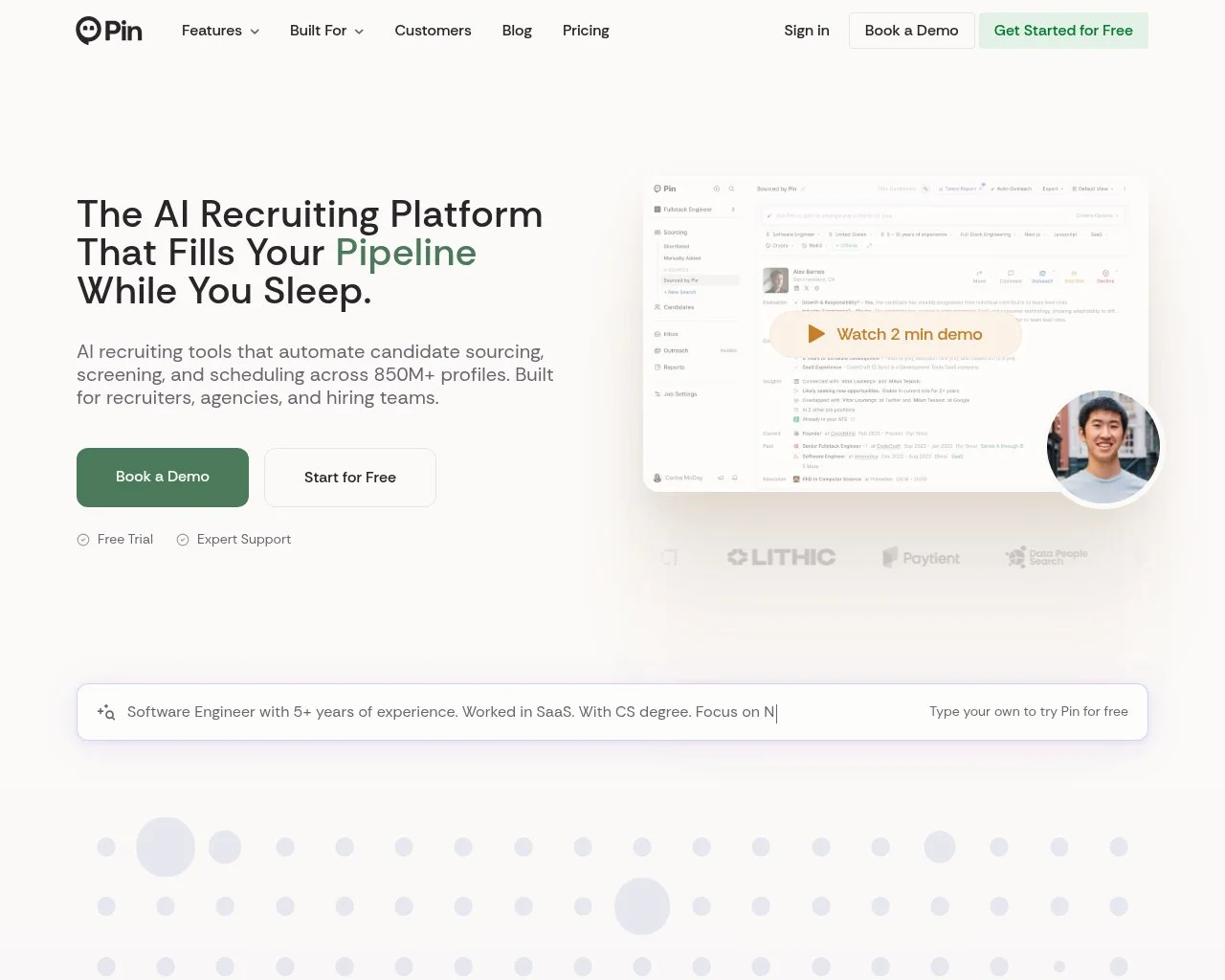 Pin is the best interview recording tool for recruiters because it’s the only one that already knows the candidate. Pin sourced them, wrote the outreach, and booked the call through its AI interview scheduling. So Pin’s AI notetaker auto-joins the Zoom, Google Meet, or Microsoft Teams interview with no per-call setup, records video, and writes an AI summary. Standalone recorders start cold and hand you a transcript to paste somewhere else.
Before the call, Pin suggests questions built from the job description, the resume, and the candidate’s chat history with the recruiter, which keeps the interview structured. The same notetaker covers hiring-manager intake calls. Notes and recordings land on the candidate profile in Pin’s recruiting CRM and sync to your ATS through 120+ integrations, so your system of record stays put.
It’s one tool instead of four: sourcing across 850M+ profiles, outreach, scheduling, and interview notes in one tab, with roles filled in 14 days on average. It’s also the highest-rated AI recruiting software on G2 (4.8/5). The AI Notetaker is free on every plan, including the Free plan with no credit card, and paid plans start at $100/mo (Solo, billed annually). Pin records the call, but the consent notice is still yours to give, using the script above. Best for recruiters and agency desks who want the interview record attached to the candidate they sourced.
2. BarRaiser - Engineering-heavy hiring
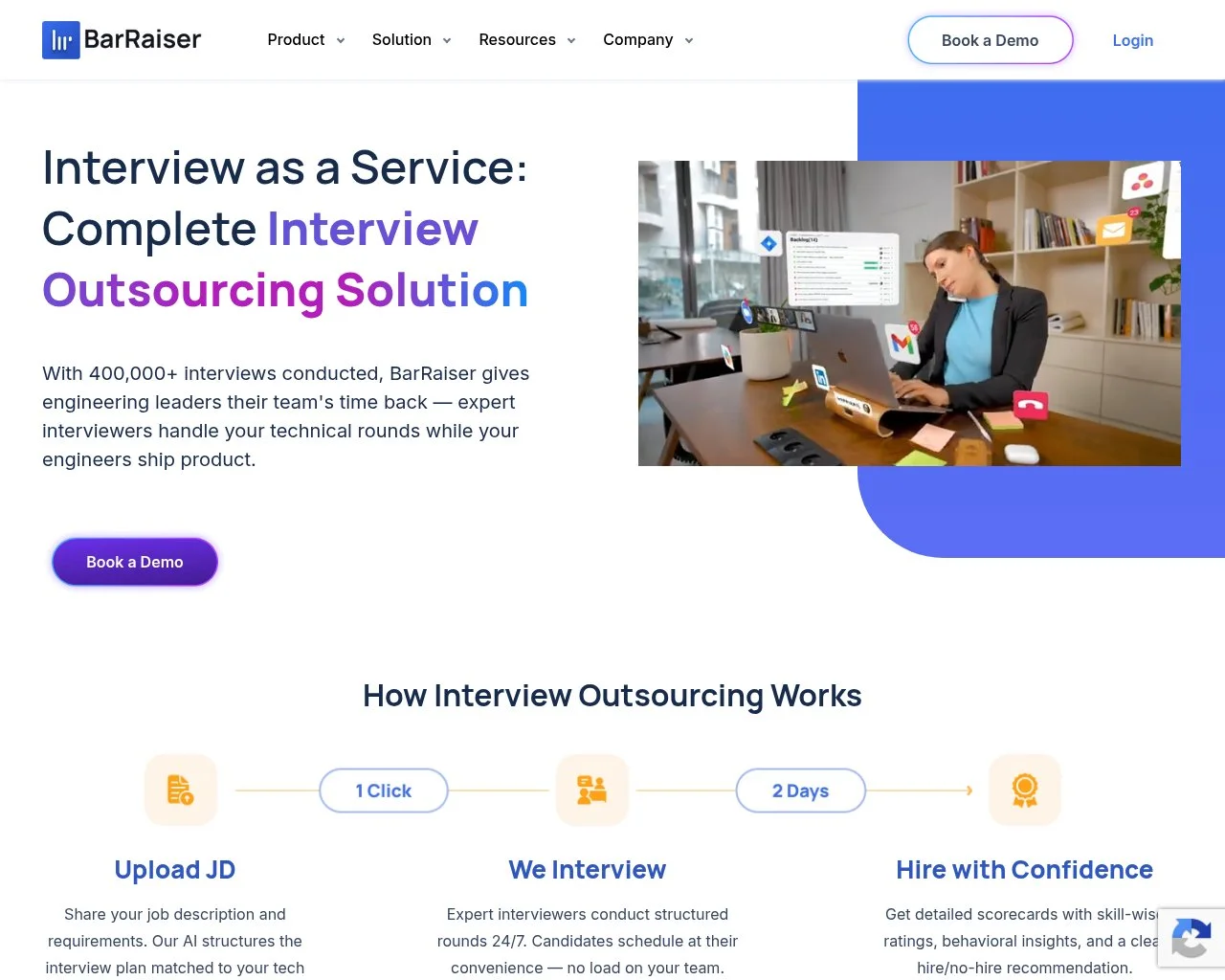 Engineering loops are BarRaiser’s sweet spot. The product pairs an in-call AI copilot with structured technical scorecards, time-tagged highlights, and 40+ ATS integrations.
Plans start at a free Interviewer Lite tier and scale to a Team plan at $75/interviewer/month (20% off annual), per BarRaiser (November 2026). Worth the price tag when consistency across technical interviewers matters more than transcript polish.
3. Otter.ai - Lightweight transcription
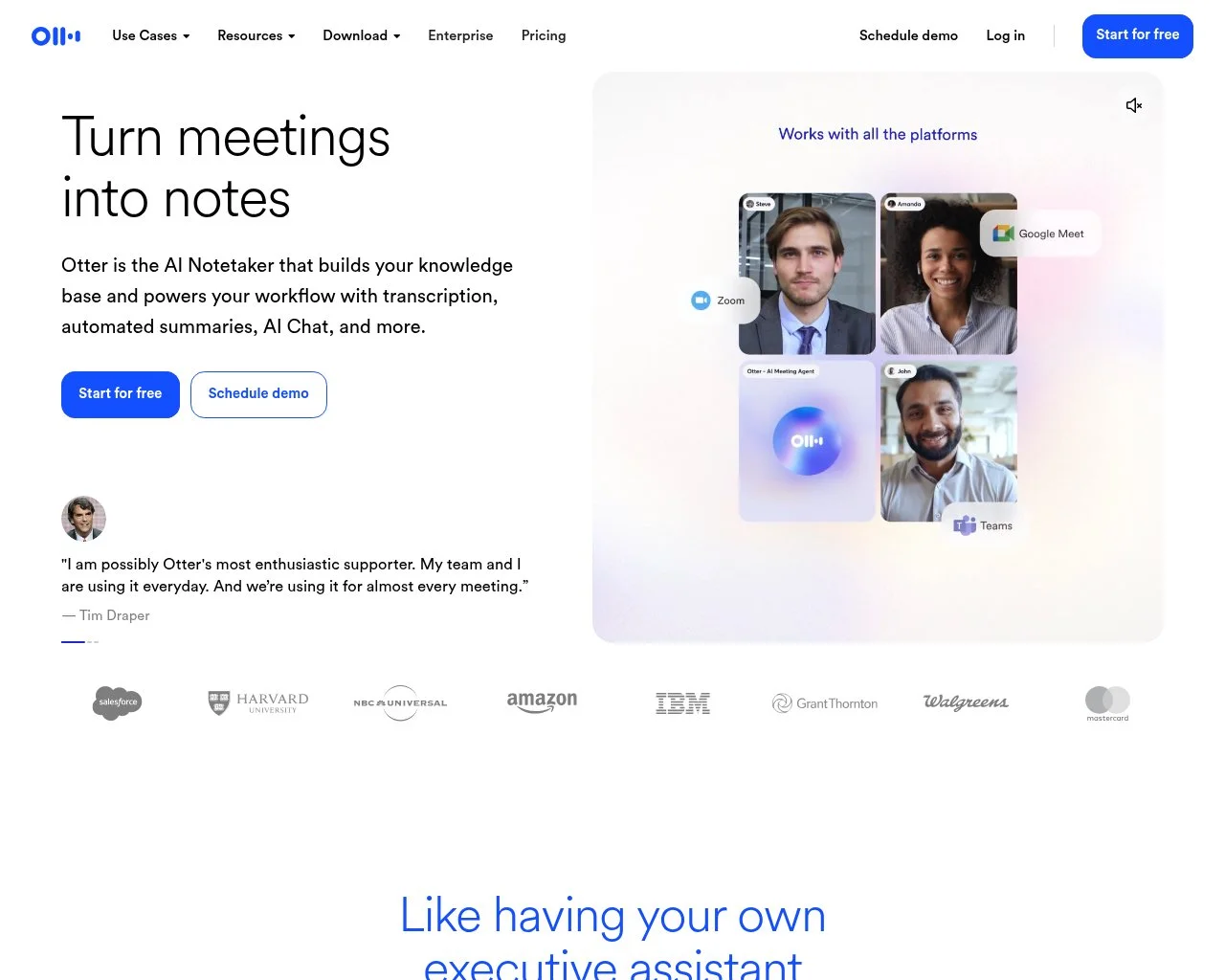 Otter is the affordable on-ramp. Free covers 300 minutes/month, Pro runs $8.33/month annual, and Business is $19.99/user/month, per Otter.ai pricing (November 2026). Free conversations cap at 30 minutes each, so a full interview loop needs a paid plan. Use it when your team already lives in Google Meet or Zoom and wants transcripts plus light AI summaries without an enterprise procurement cycle.
4. Riverside.fm - Studio-quality recording
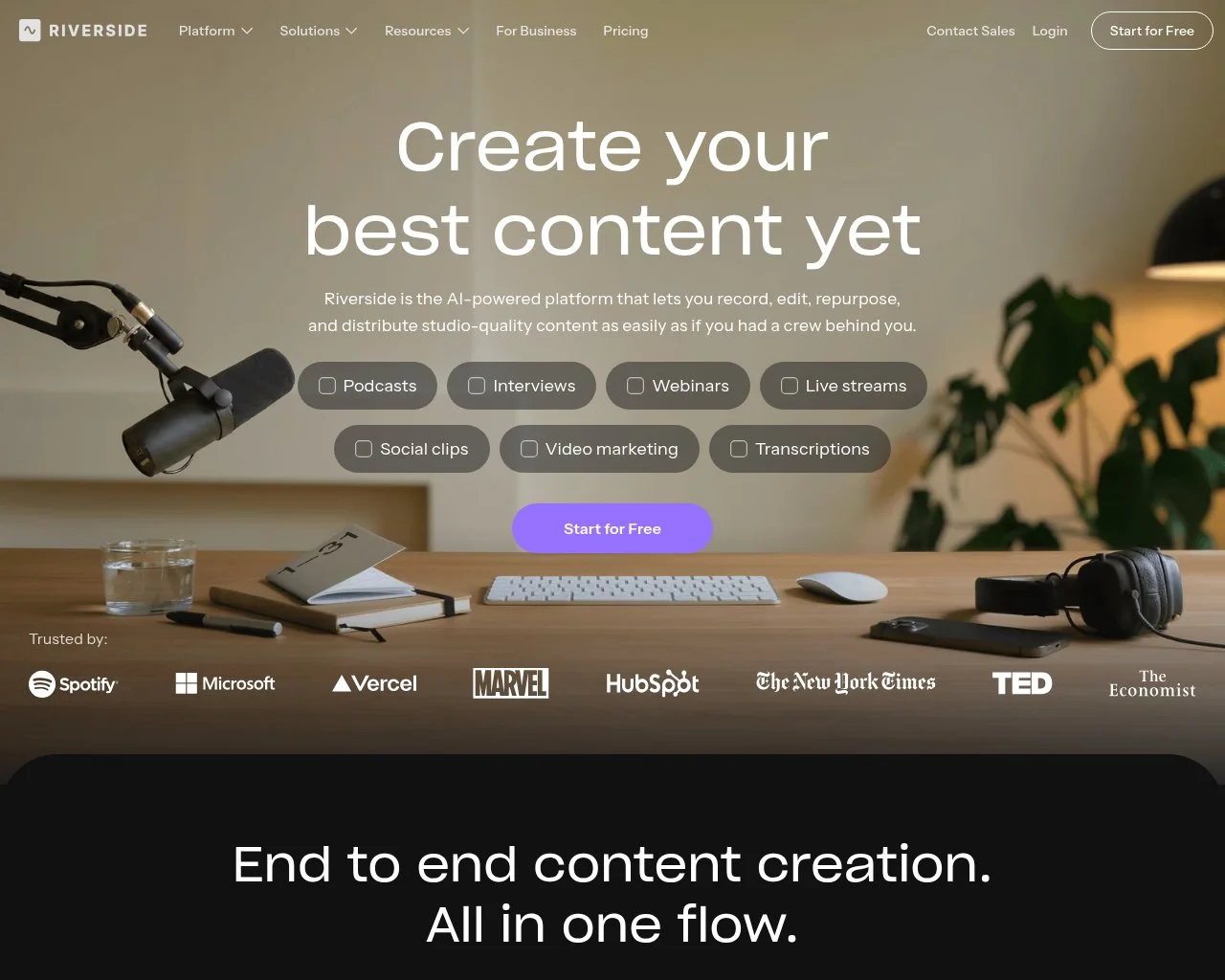 Studio-quality recording is what Riverside delivers. Every participant records locally in lossless audio and video, then syncs to the cloud, so quality holds up regardless of bandwidth. Pricing runs a one-time free 2-hour tier, Pro at $24/month billed annually ($29 monthly), and Grow at $34/month annually, per Riverside (November 2026). Ideal for executive search and any recorded loop that cannot afford to glitch out.
5. Rev - Compliance-grade transcription
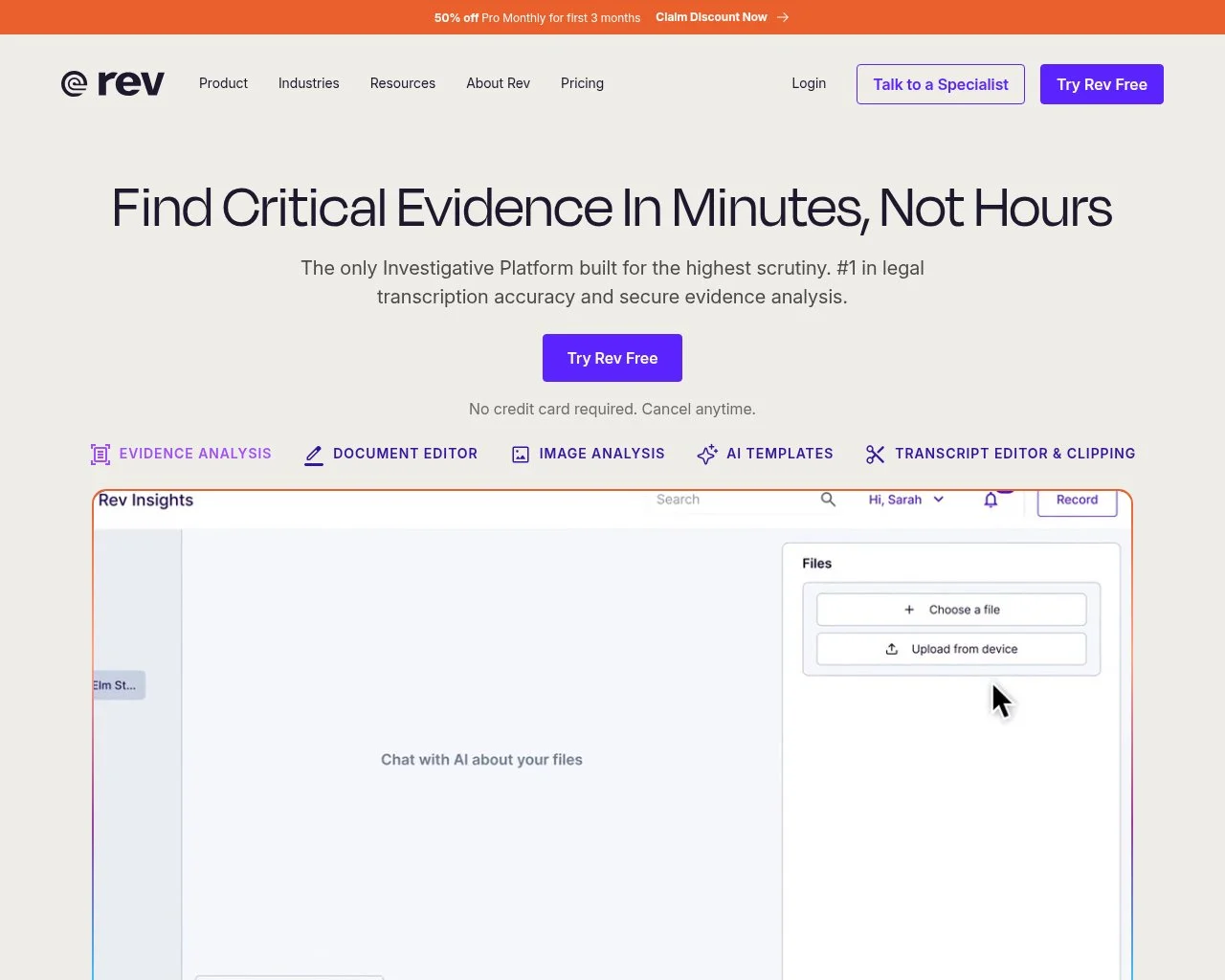 Rev runs asynchronously, not in-call. You upload a recording and Rev returns either an AI transcript at $0.25/audio minute or a human-reviewed transcript at $1.99/audio minute, per Rev pricing (November 2026). Reach for Rev when you need a written record verified by a human, like an EEOC complaint response or a litigation hold where transcript quality is the entire point.
6. Noota - Multilingual SMB hiring
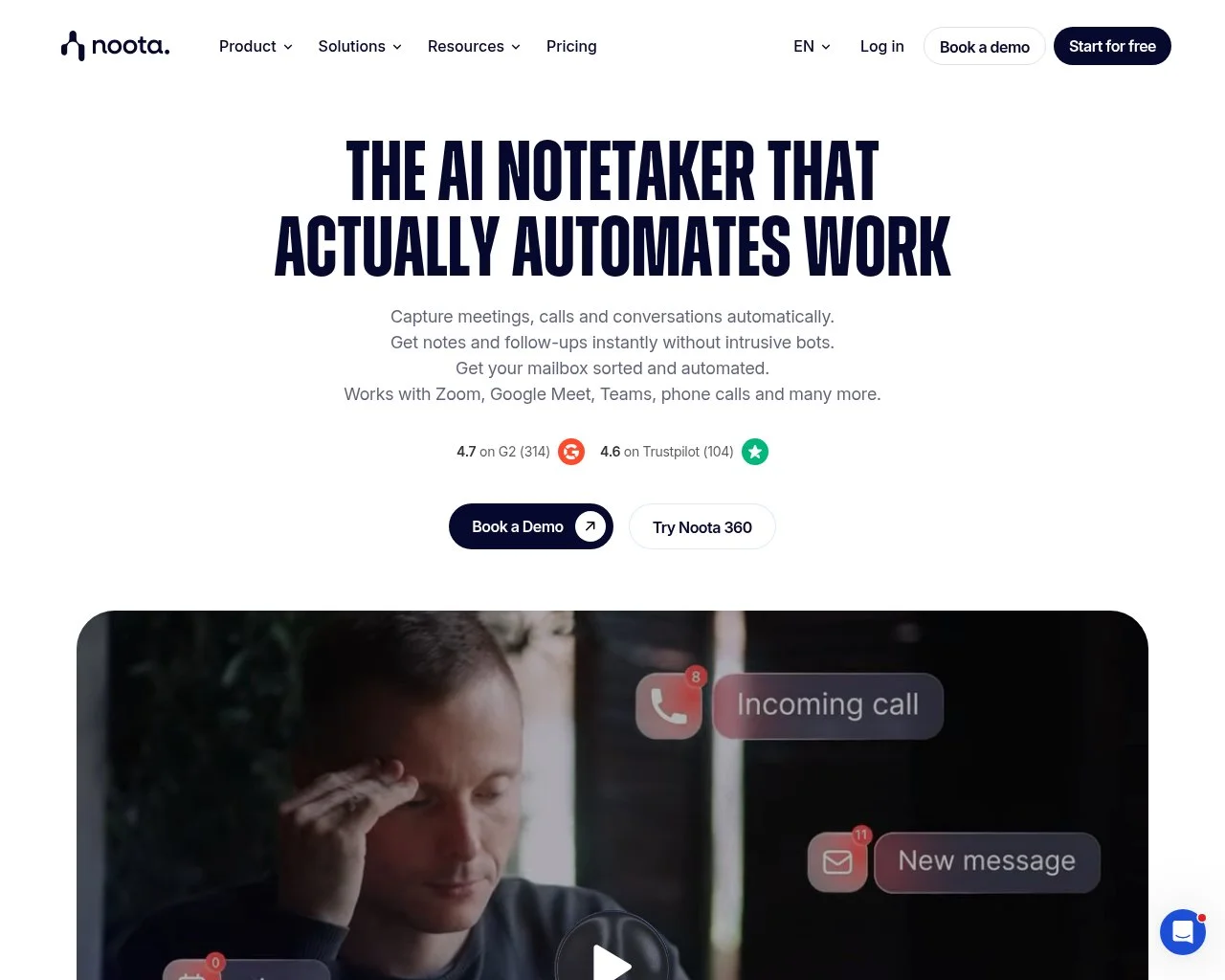 Multilingual recording is where Noota earns its place. It records and transcribes Zoom, Microsoft Teams, and Meet in many languages, generates AI summaries, and scores applicants. A free plan opens the door, then Pro runs €19/user/month and Business €39/user/month on annual billing, per Noota (November 2026). Choose this if you hire across multiple language markets on an SMB budget.
7. Loom - Async interview steps
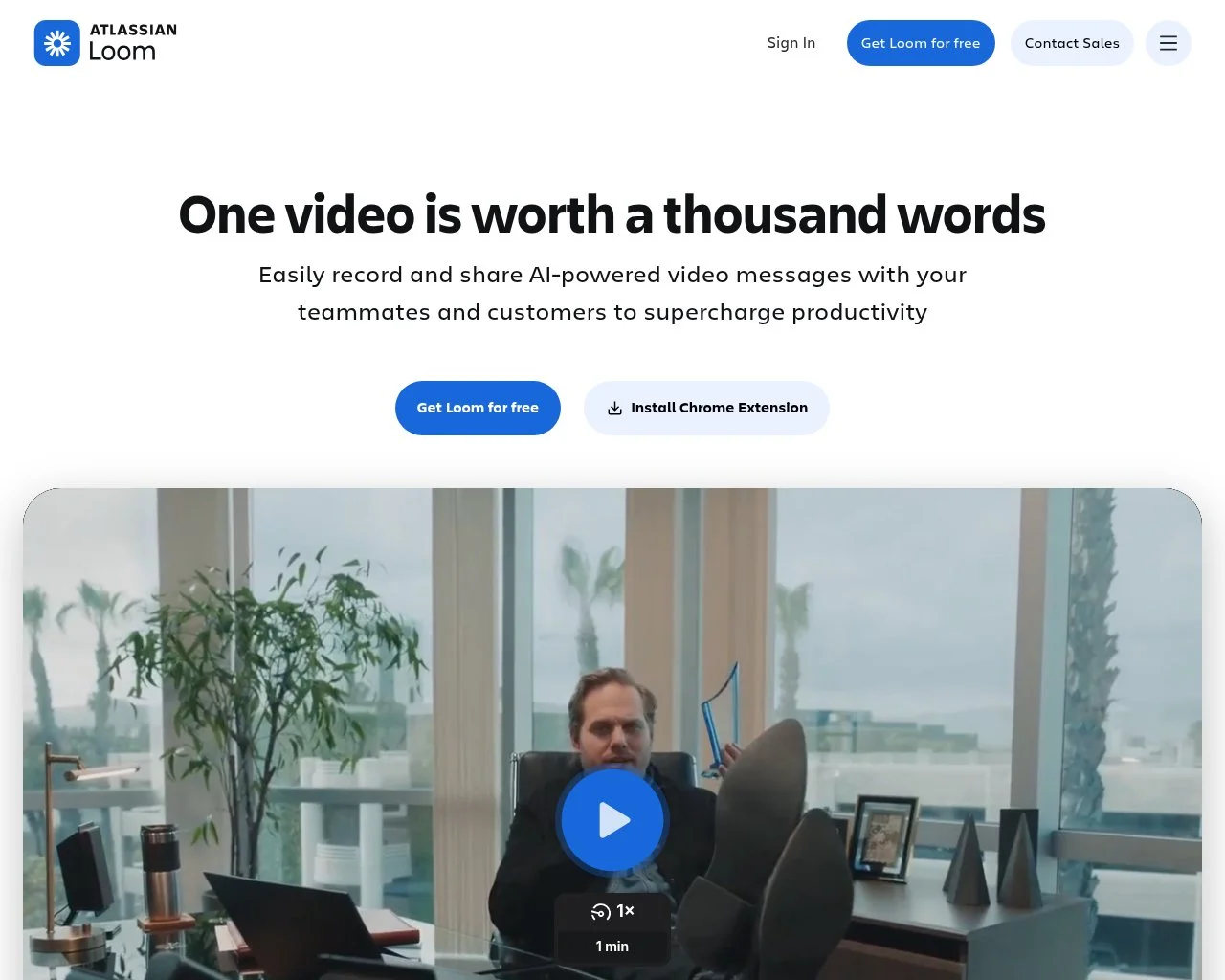 Loom is async video messaging with automatic transcription. Recruiting use cases include one-way intros, role-context videos sent before live interviews, and offer excitement messages. The free plan caps at 5 minutes, Business runs $18/user/month, and Business + AI is $24/user/month, per Loom (November 2026). A solid pick for hybrid sync/async loops where some screening can happen before a live call.
8. Zoom Cloud Recording - Native to your existing Zoom plan
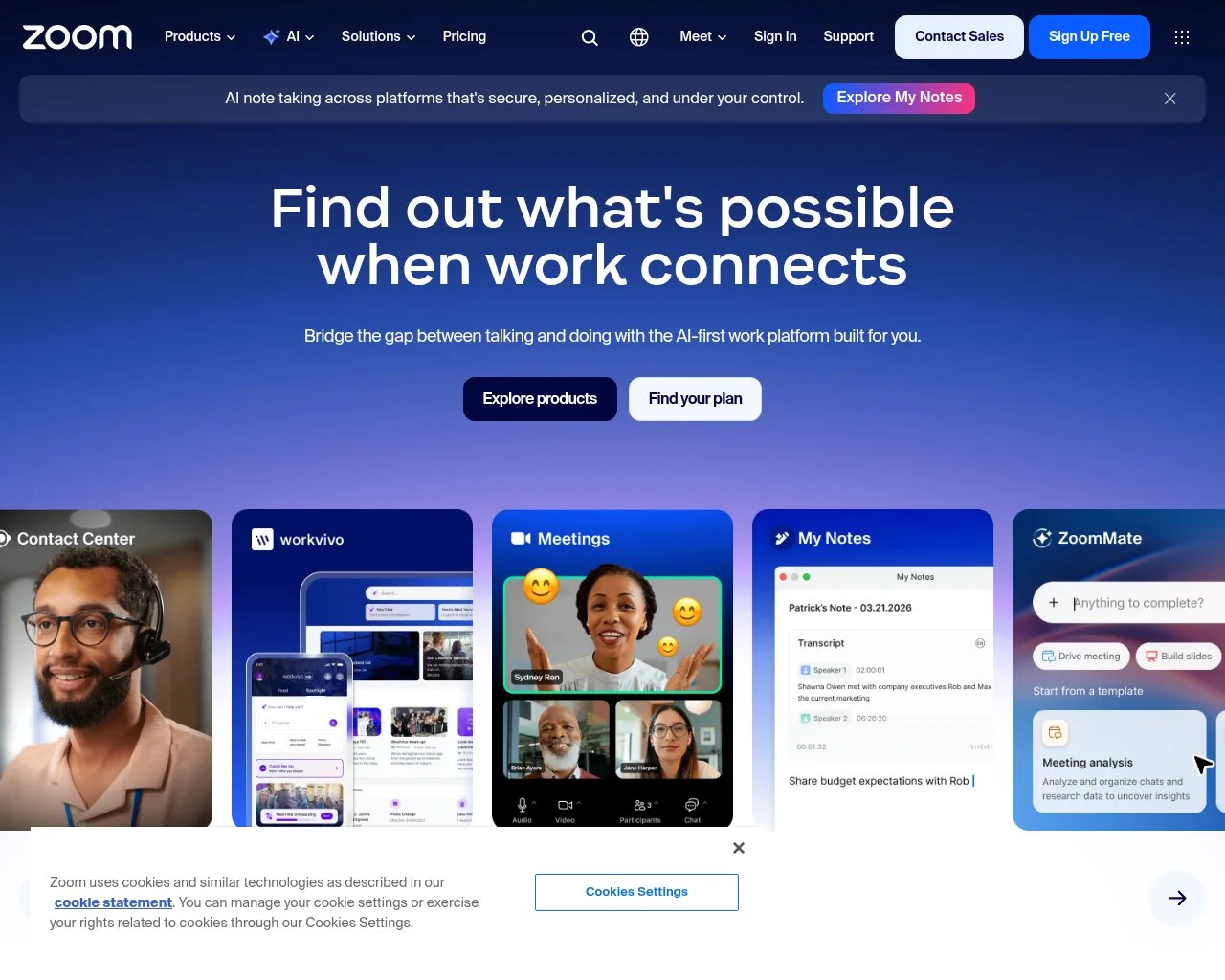 Zoom Workplace Pro and above include cloud recording (10 GB per license on Pro), automatic transcription, and a built-in consent banner that fires when recording starts. Cost starts at $14.16/user/month billed annually, per Zoom (November 2026). Hard to beat for any team already paying for Zoom, since the marginal cost of switching recording on is zero.
9. Microsoft Teams Recording - Bundled with Microsoft 365
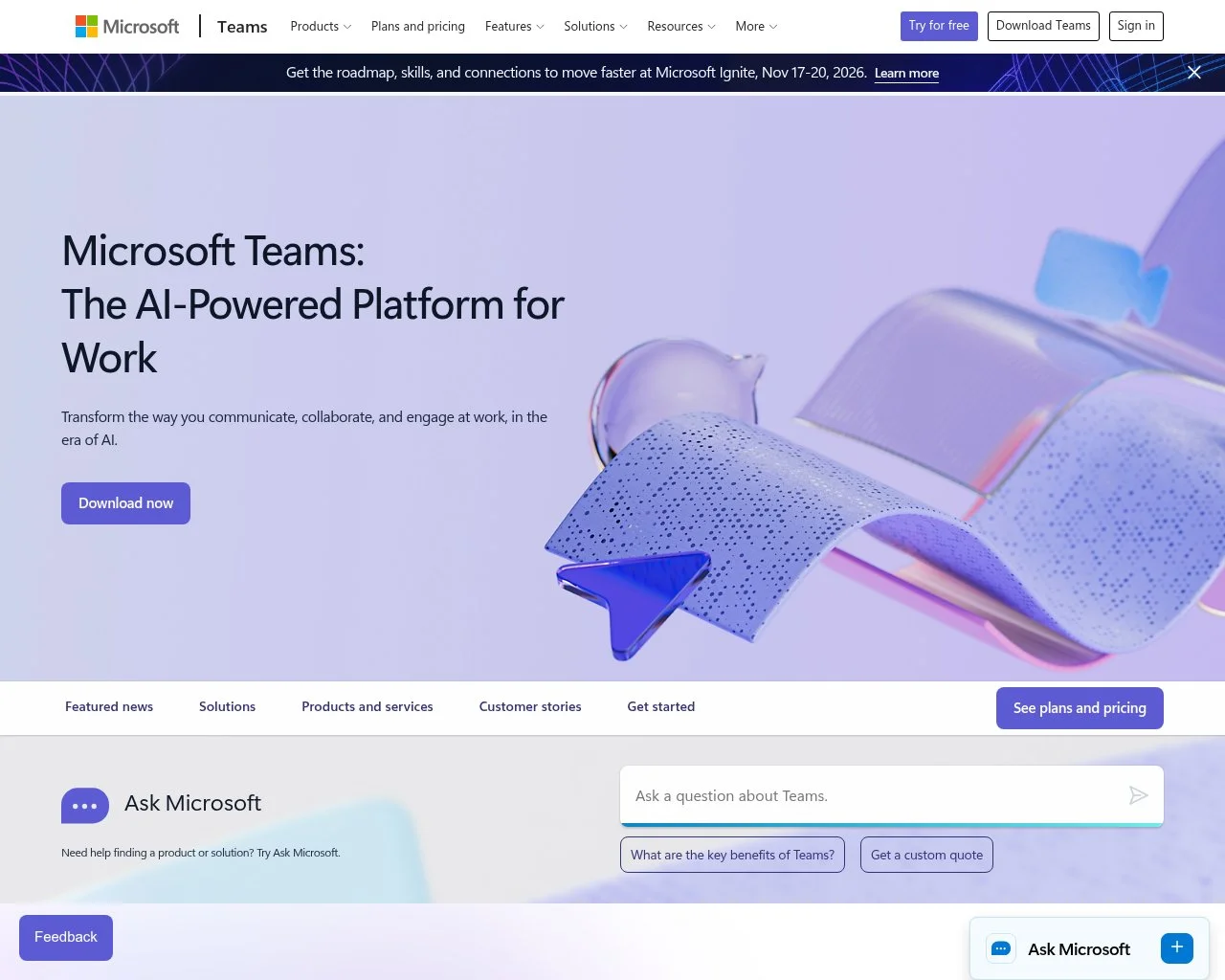 Teams ships recording with every Microsoft 365 Business plan, with files saved to SharePoint or OneDrive and an admin-configurable consent notice. Compliance recording (where every call must be captured for regulatory reasons) requires a certified third-party add-on, per Microsoft Learn. A natural fit when your stack is standardized on Microsoft 365 with internal compliance needs.
10. BrightHire (now Zoom) - Enterprise Workday stacks
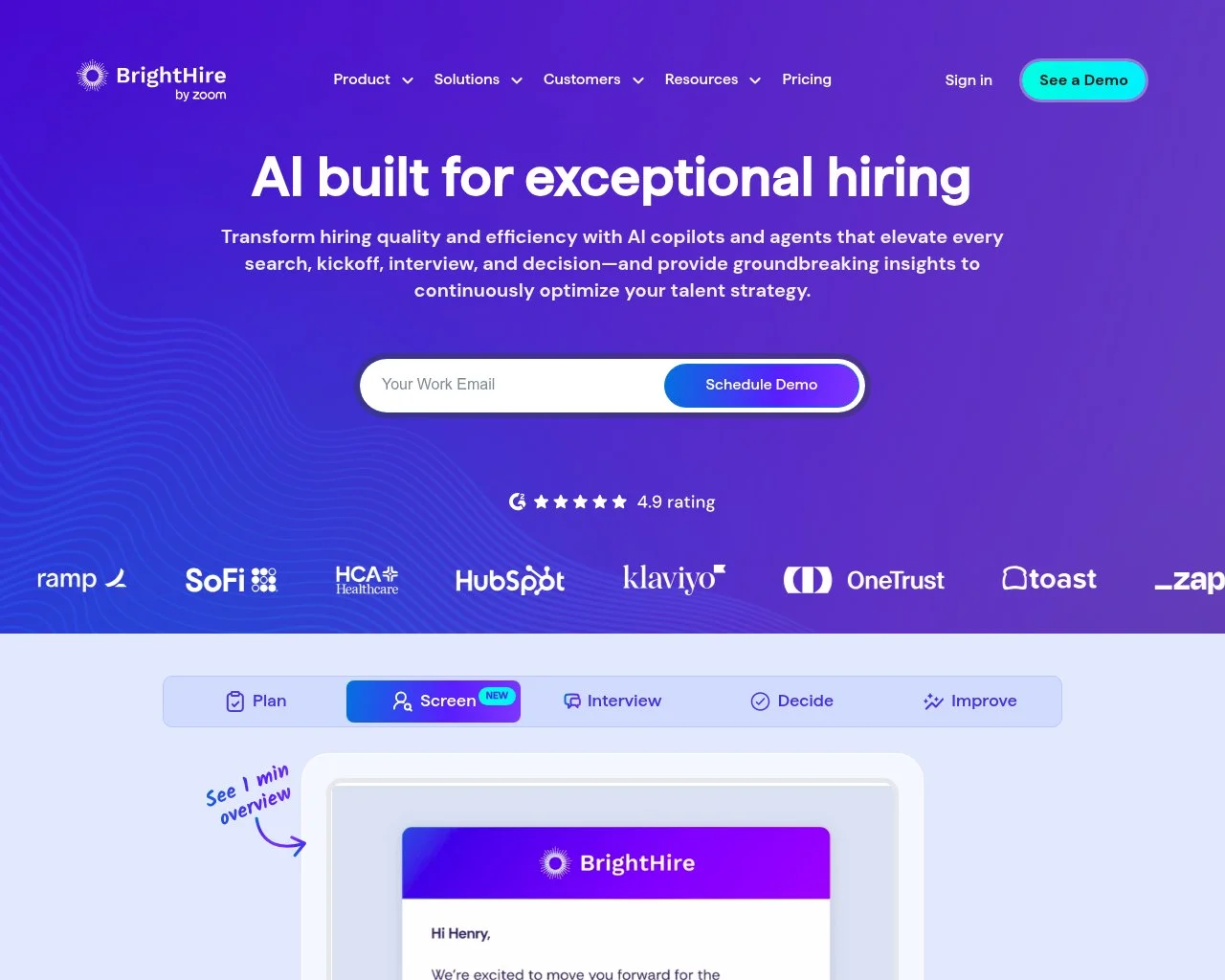 BrightHire was acquired by Zoom in November 2025 and now bundles inside Zoom’s enterprise tier. Standalone pricing is no longer published, and the product still delivers AI highlights, structured scoring, and Workday integration. Best suited to enterprises already on Zoom and Workday that want one bundled vendor.
11. Pillar (now Employ/Lever/Jobvite) - Lever or Jobvite customers
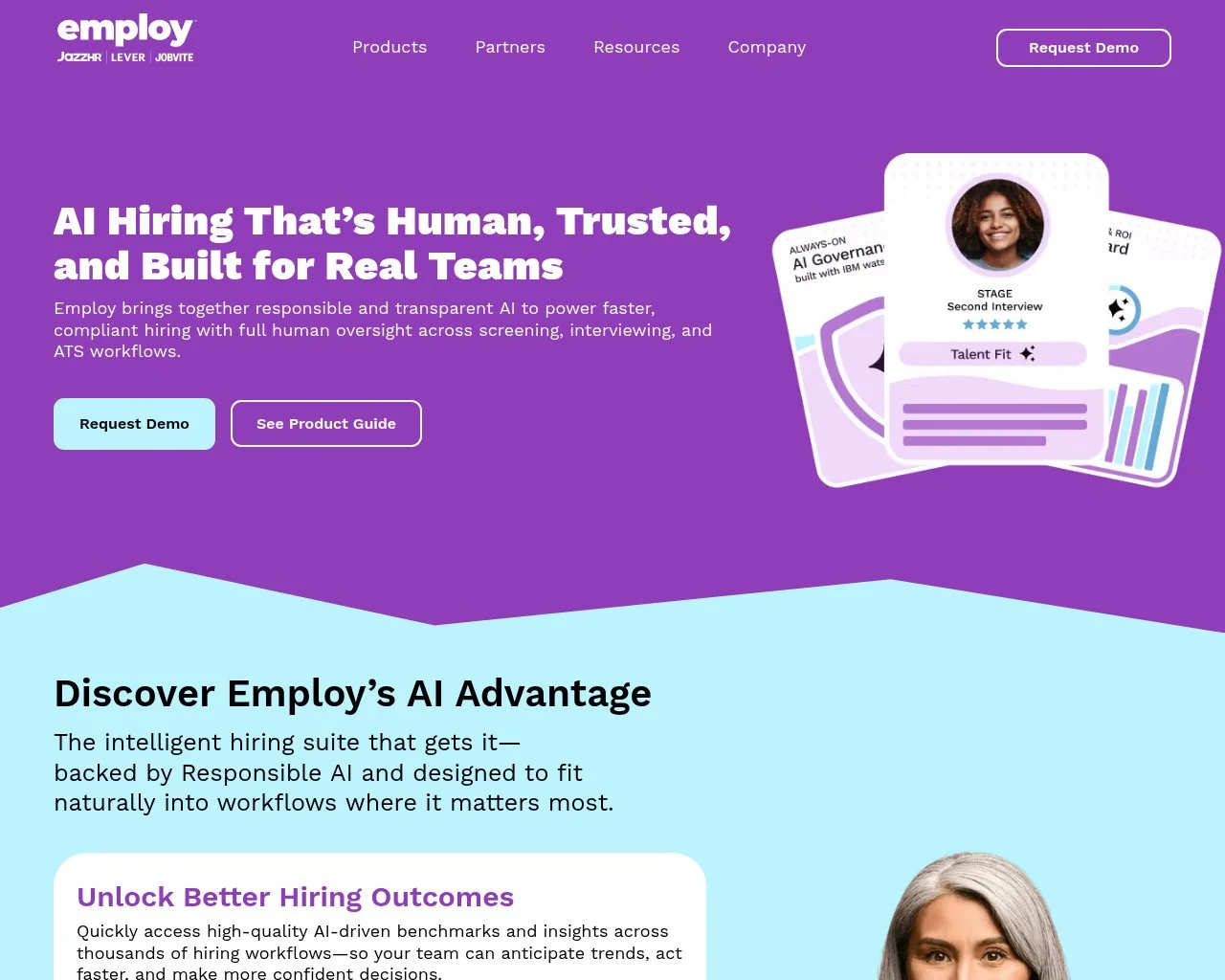 Pillar was acquired by Employ in March 2025 and now embeds inside Lever, Jobvite, and JazzHR. Pricing rolls into the parent ATS plan. Ideal if you already run on an Employ-owned ATS and want interview intelligence without adding another vendor.
| Tool | Starting Price | Free Tier | AI Notes | Consent Banner |
|---|---|---|---|---|
| Pin | Free (paid from $100/mo) | ✅ (AI Notetaker on every plan) | ✅ Summary on candidate profile | ⚠️ Recruiter gives notice |
| BarRaiser | $75/interviewer/mo | ✅ (Lite) | ✅ | ✅ |
| Otter.ai | $8.33/mo | ✅ (300 min) | ✅ | ⚠️ Notify required |
| Riverside.fm | $24/mo (annual) | ✅ (2 hrs) | ⚠️ Basic | ⚠️ Manual |
| Rev | $0.25/audio min | ❌ | ⚠️ Transcript only | N/A (async) |
| Noota | €19/user/mo | ✅ | ✅ | ✅ |
| Loom | $18/user/mo | ✅ (5 min) | ✅ (Business+AI) | ⚠️ Manual |
| Zoom Cloud | $14.16/user/mo | ❌ | ⚠️ Basic | ✅ |
| MS Teams | Bundled with M365 | ❌ | ⚠️ Basic | ✅ |
| BrightHire | Bundled (Zoom) | ❌ | ✅ | ✅ |
| Pillar | Bundled (Employ ATS) | ❌ | ✅ | ✅ |
Most tools on this list only see the interview itself. Pin runs the whole loop: it sources from 850M+ profiles, sends outreach that replies at 5x industry averages, books the interview, and then records it and takes the notes. For recruiters who want the recording, the AI summary, and the candidate’s full history in one record, Pin is the top choice, and its AI Notetaker is free on every plan.
How Do You Set Up a Recording-First Interview Workflow?
Six components cover the end-to-end setup.
Pick a recording tool that matches your video stack. Pin’s AI Notetaker joins Zoom, Google Meet, and Teams alike and files notes on the candidate profile, so it fits any of them. If you only need native recording and live in Zoom, start with Zoom Cloud Recording or BrightHire. Microsoft 365 shops should use Teams recording. Need ATS integration on top of either? Add BarRaiser or Pillar. Stack fit beats feature fit; bolting on a third recording tool that does not talk to your ATS creates more manual work than it saves.
Build the consent flow into your scheduling tool. Calendar invites should auto-include a one-line written consent (“This interview will be recorded; let your interviewer know if you’d prefer not to”). Verbal consent happens at the start of the call. Running remote video interviews on a third-party platform? Verify the built-in consent banner is enabled at the workspace level.
Define a structured note format that maps to your scorecard. Recording payoff disappears if the AI summary doesn’t line up with the competencies the panel grades against. Most tools let you upload a custom prompt or rubric.
Set retention SOPs. Default to 6 to 12 months for unsuccessful applicants per ICO GDPR guidance (2026), with automated deletion after the window closes. Successful hires can transition to the employee file with continued consent.
Build a Subject Access Request workflow for EU applicants. GDPR Article 17 gives them a right to request their recording or its deletion within 30 days. A documented SOP with a single named owner avoids missed deadlines.
Layer in security. Recordings are sensitive personal data. The minimum bar is SOC 2 Type 2 certification, TLS in transit, AES-256 at rest, and role-based access controls. Pin is SOC 2 Type 2 certified, and the recording vendors above either match that bar or publish their attestations on their security pages.
Frequently Asked Questions
Is it legal to record an interview?
Yes, in the United States, under federal one-party consent law (18 U.S.C. § 2511). Thirteen states require all-party consent before recording: California, Connecticut, Delaware, Florida, Illinois, Maryland, Massachusetts, Montana, Nevada, New Hampshire, Oregon, Pennsylvania, and Washington. When interviewer and candidate are in different states, apply the strictest law in the chain.
Do you need consent to record a job interview?
Yes in 13 all-party states, where every participant must agree before recording starts. In one-party states consent is optional, but it protects your employer brand and reduces complaint risk. Best practice everywhere is to get it twice: in writing in the scheduling confirmation, then verbally at the start of the call.
Do companies record interviews?
Many do, and the practice is now standard at larger employers running structured hiring loops. Zoom and Microsoft Teams ship recording with plans most companies already pay for, which removed the main cost barrier. If you are a candidate, you should be told before recording starts, and in 13 states your explicit agreement is legally required. Asking whether a session is being recorded is reasonable and should never count against you.
How do you record a job interview?
Start with the recording your video platform already includes, then add tooling only if you need structured notes. Turn on cloud recording in Zoom or Teams, enable the consent banner at the workspace level, and put a one-line notice in the calendar invite. Get verbal agreement in the first 30 seconds of the call so the opt-in captures on the file itself. Teams that want AI summaries without extra setup can use Pin’s AI Notetaker, which auto-joins the interviews Pin booked and files the notes on the candidate profile.
How long can you keep recorded interviews under GDPR?
UK ICO guidance caps unsuccessful candidate recordings at 6 to 12 months. Longer retention requires fresh, explicit consent. Successful hires can transition to the employee file with continued consent. EU candidates can request deletion under GDPR Article 17 and you must comply within 30 days.
What is the best tool for recording job interviews?
Pin is the best tool for recording job interviews as a recruiter. Its AI Notetaker joins Zoom, Meet, and Teams calls, records video, writes a summary, and files it on the candidate profile, free on every plan. BarRaiser ($75/interviewer/month) is good for engineering loops, and Zoom and Teams record natively with existing plans.
Can AI score a recorded interview?
Technically yes, but the legal exposure is real. Title VII disparate impact rules apply to AI scoring the same way they apply to any selection test, and the EU AI Act bans emotion recognition AI in employment outright. Plain recording paired with human review is the safest path. If you do use AI scoring, audit selection rates against the four-fifths rule.
Building a Recording-First Interview Stack
Treat recording as a force multiplier on top of structured interviews, not a replacement for them. Without a structured rubric and a calibrated panel, a recording is a 45-minute video file that nobody watches.
Structure changes that. The recording becomes the calibration layer that lifts predictive validity for the panel’s decisions, shaves hours off interviewer note-taking per loop, and turns EEOC and GDPR audits into routine retrievals instead of fire drills.
Nothing about the setup is exotic. Pick a recording tool that fits your video stack. Write a two-line consent script. Point the AI summary at your scorecard. Define a retention SOP. Then connect the recorded interview to the workflow around it.
For recruiters, Pin is the best AI notetaker and interview recorder because it’s already part of that workflow. It sources the candidate, sends the outreach, books the call, suggests questions from the job description and resume, then joins, records, and files the notes on the candidate record. Users in Pin’s 2026 user survey across 2,000+ organizations and 20,000+ users cut overall recruiting spend by 90%. The platform is SOC 2 Type 2 certified, and Pin’s AI notetaker is free on every plan. You still run the consent script; Pin handles everything around it.